2027 ADHD Cleaning Planner | Routine
Notion Formula Essentials Workbook | Notion Formulas, Automation, Productivity & Advanced Formula Guide
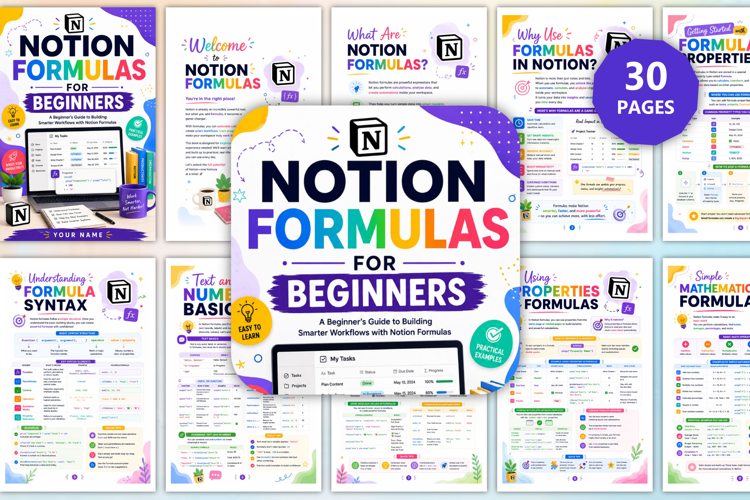
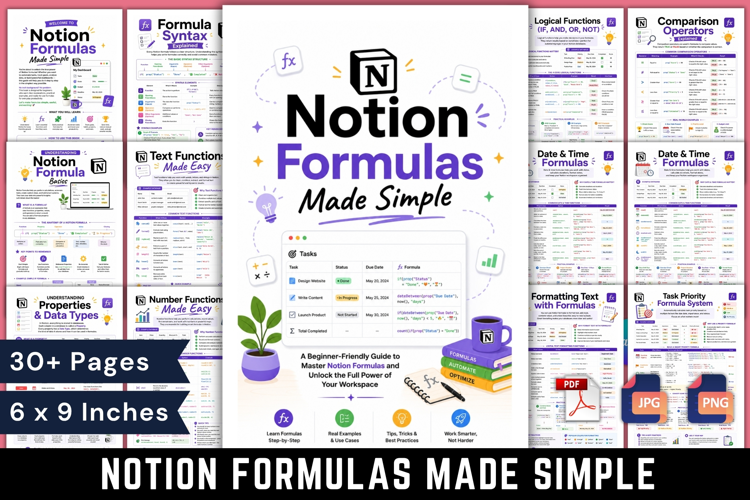
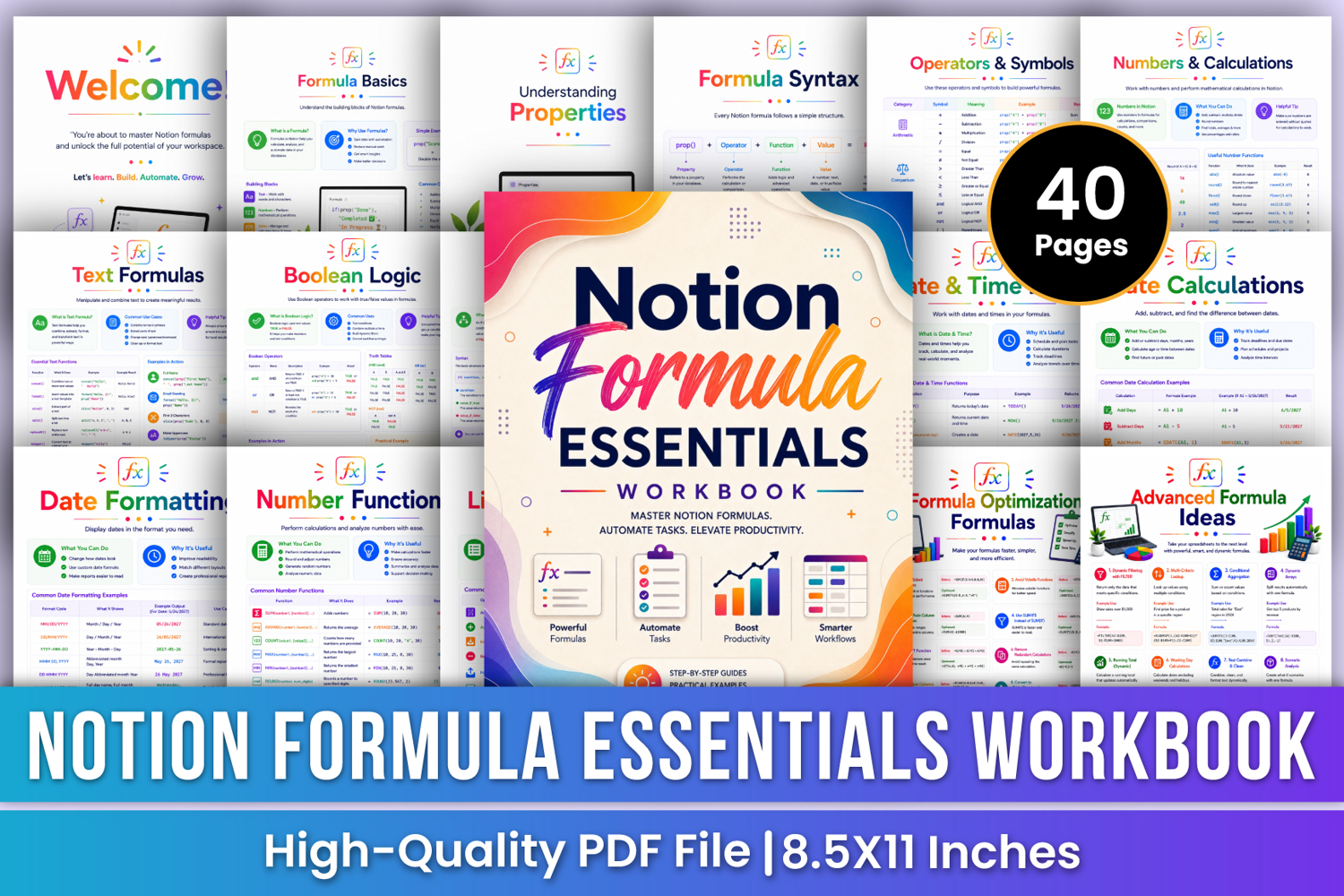
Master Notion formulas and build smarter, more efficient workspaces with the Notion Formula Essentials Workbook. This professionally designed 40-page workbook provides a structured visual guide to understanding formula basics, syntax, properties, operators, calculations, text functions, logical conditions, date and time formulas, arrays, variables, reusable patterns, productivity formulas, task management, project tracking, habit tracking, budgeting, dashboards, debugging, optimization, and advanced formula ideas.
Designed with step-by-step explanations, formula examples, practical use cases, quick tips, and visual references, this workbook helps you move from basic formula concepts to more advanced Notion workflows and automation-focused systems.
✨ Key Features
🧮 Formula Basics
Understand what formulas are, why they are useful, basic building blocks, properties, numbers, dates, logic, lists, and common operators.
🧩 Understanding Properties
Learn how Text, Number, Checkbox, Date, Select, and Multi-select properties work with formulas.
📝 Formula Syntax
Understand the basic formula structure using properties, operators, functions, values, and results with practical examples.
➕ Operators & Symbols
Explore arithmetic, comparison, logical, parentheses, quotes, commas, and other symbols used to build formulas.
🧠 Nested Conditions
Build multi-level logic with nested IF statements for more complex decision-making and automated results.
⚖️ Comparison Functions
Compare values using equal, not equal, greater than, less than, greater than or equal to, and less than or equal to operators.
📅 Date & Time Basics
Work with current dates, current date and time, date creation, time creation, date differences, and month calculations.
🔤 Text Functions
Use functions for uppercase, lowercase, proper case, character counts, trimming, extracting characters, and combining text.
🔢 Number Functions
Work with SUM, AVERAGE, COUNT, MAX, MIN, ROUND, INT, POWER, and RAND for calculations and numeric analysis.
📚 List Functions
Use built-in list functions to count, sum, find maximum and minimum values, sort, reverse, locate items, copy lists, and join list values.
🧠 Advanced Conditions
Combine multiple conditions, nested logic, complex expressions, and edge-case handling to create more powerful formulas.
🔀 Logical Functions
Work with IF, AND, OR, NOT, XOR, IFERROR, IFBLANK, and IN-style logic for dynamic formula behavior.
🧩 LET & LETS
Learn how to define and work with multiple variables to create cleaner and easier-to-manage formulas.
♻️ Reusable Formula Patterns
Use proven formula patterns that can be adapted to different ranges and criteria for faster formula building.
⚡ Productivity Formulas
Explore formulas designed to save time, filter information, automate dates, and make everyday workflows more efficient.
✅ Task Management Formulas
Track completed tasks, pending tasks, completion rates, due dates, overdue tasks, and task status with smart formulas.
📖 Formula Quick Reference
Keep essential formulas such as SUM, AVERAGE, COUNT, MAX, MIN, IF, VLOOKUP, and CONCAT easily accessible for quick reference.
💡 Important Formula Notes
Review key reminders covering simple starts, understanding data, parentheses, testing formulas, error handling, readability, updating, and optimization.
🎁 Perfect For
✔ Notion Formula Beginners
✔ Notion Users
✔ Notion Database Builders
✔ Productivity System Creators
✔ Task Management Systems
✔ Project Tracking
✔ Habit Tracking
✔ Budget & Finance Tracking
✔ Dashboard Building
📂 Files Include
✏️ 40 Pages
📄 High-Quality Print-Ready PDF
📏 Trim Size: 8.5 × 11 Inches
🎨 CMYK Color
❌ No Bleed
🙏 Thank you for visiting my product!