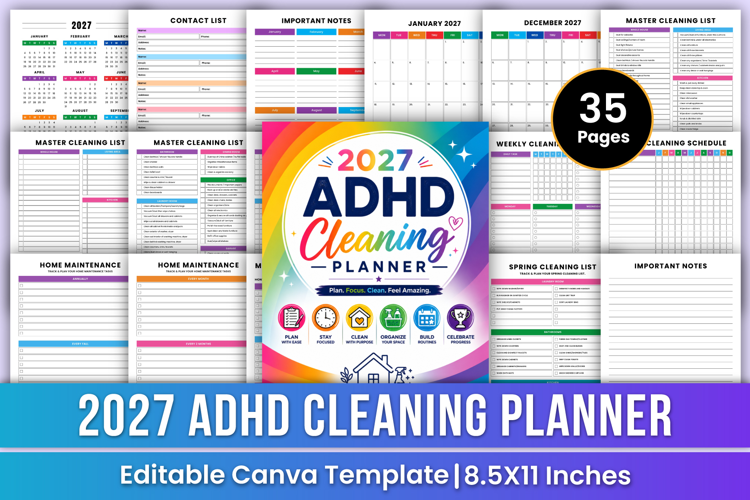
2027 ADHD Cleaning Planner | Routine
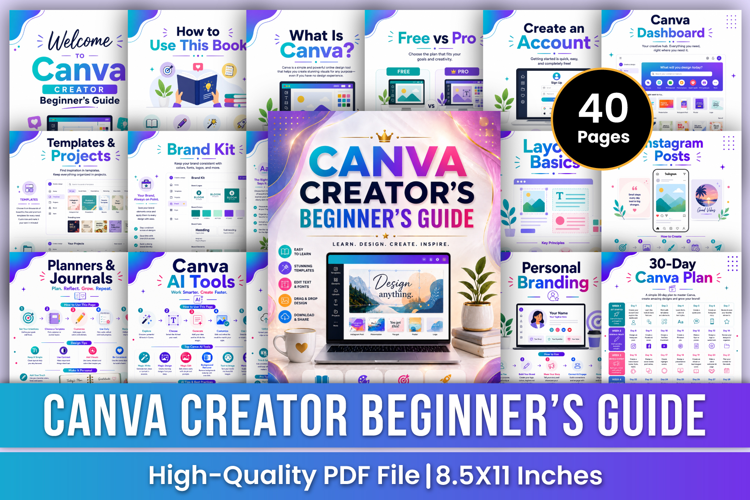
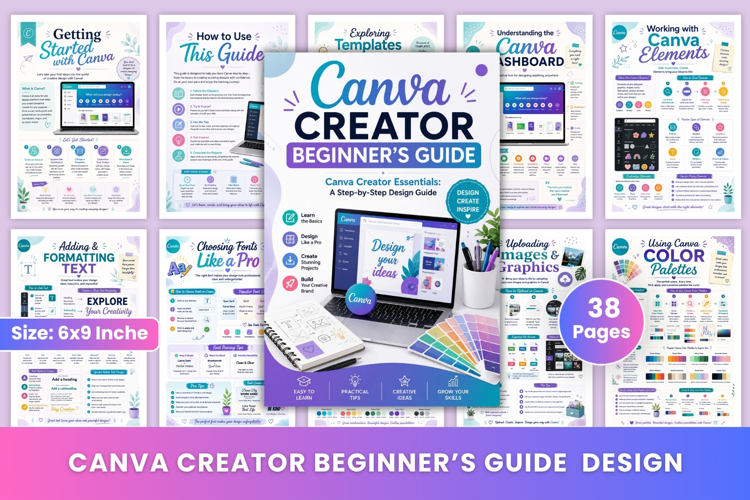
Canva AI Design Guide | AI Image Generation, Magic Write, Branding & Creative Design Projects
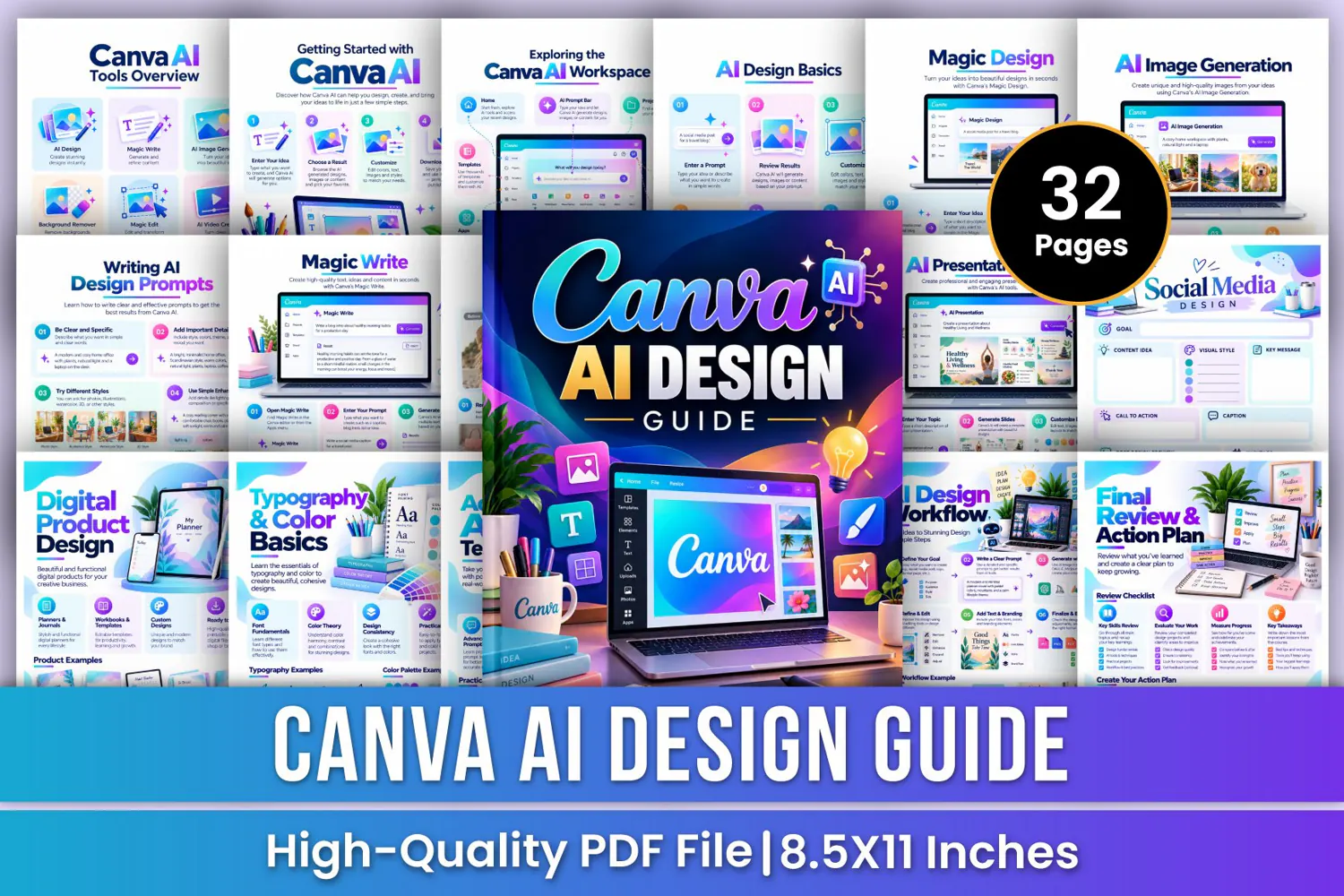
Explore the power of AI-assisted creativity with the Canva AI Design Guide—a colorful, beginner-friendly workbook designed to help you understand AI design tools, create visual content, improve images, generate written content, and develop professional-looking designs. From AI image generation and Magic Write to social media graphics, presentations, logo concepts, digital products, video creation, and advanced design workflows, this guide provides a structured learning journey for developing your creative skills.
✨ Key Features
🎨 Canva AI Tools Overview
Explore AI design tools, Magic Write, AI image generation, background removal, Magic Edit, AI video creation, AI presentations, social media design, templates, and apps.
🚀 Getting Started with Canva AI
Learn a simple four-step workflow: enter your idea, choose a result, customize the design, and download or share your finished creation.
💻 Exploring the AI Workspace
Understand the workspace, including Home, templates, projects, apps, design options, recent designs, brand settings, and account preferences.
✨ Magic Design Guide
Learn how to describe your idea, explore generated design options, customize layouts and content, and prepare designs for use.
🖼️ AI Image Generation
Explore prompt writing, image generation, result selection, refinement, and ways to use AI-generated visuals in creative projects.
📸 AI Photo Editing
Explore background removal, Magic Edit, Magic Eraser, image adjustments, filters, and adding or replacing visual elements.
🪄 Magic Edit Techniques
Learn how to add objects, replace existing objects, change object colors or styles, and remove unwanted elements from images.
🔤 Typography & Color Basics
Learn font fundamentals, color theory, contrast, harmony, typography consistency, font pairing, and practical design choices.
🎨 Brand Style Design
Organize logo styles, brand colors, typography, and brand guidelines to create a cohesive visual identity across different materials.
⚡ Advanced AI Techniques
Explore advanced prompting, image generation, video creation, editing, enhancement, and creative workflows for more refined results.
🚫 Common Design Mistakes
Identify common issues such as excessive fonts, weak color choices, cluttered layouts, low-quality images, poor alignment, and overused visual effects.
🛠️ Practical Design Projects
Apply what you learn to real-world projects, including logo concepts, social media graphics, posters, planner pages, and product mockups.
🔄 AI Design Workflow
Follow a six-step process: define your goal, write a clear prompt, generate with AI, refine and edit, add text and branding, then finalize and export.
📝 Notes & Creative Ideas
Use the additional notes pages to record key points, action items, creative ideas, reminders, and important lessons from your design practice.
🎁 Perfect For
✔ Beginners exploring AI-assisted design
✔ Digital creators and aspiring designers
✔ Social media content creators
✔ business owners and entrepreneurs
✔ AI image generation and prompt-writing practice
✔ Marketing graphics and promotional materials
✔ Logo concepts and brand identity development
✔ AI-assisted presentation design
📂 Files Include
✏️ 32 Pages
📄 High-Quality Print-Ready JPG & PDF
📏 Trim Size: 8.5 × 11 Inches
🎨 CMYK Color
❌ No Bleed
🙏 Thank you for visiting my product!