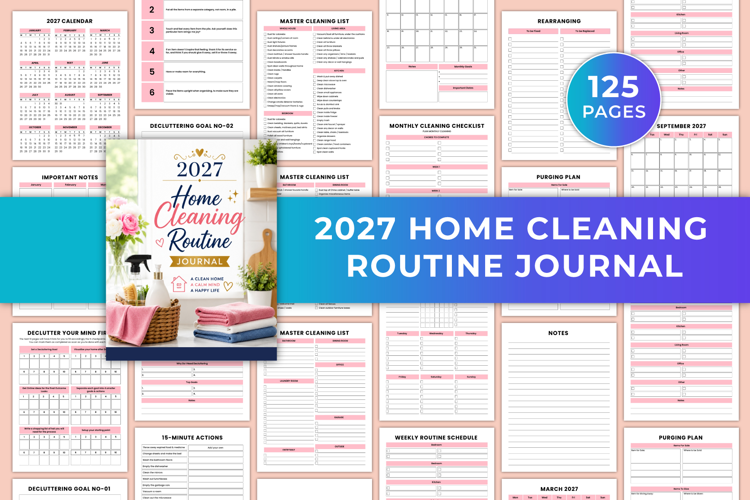
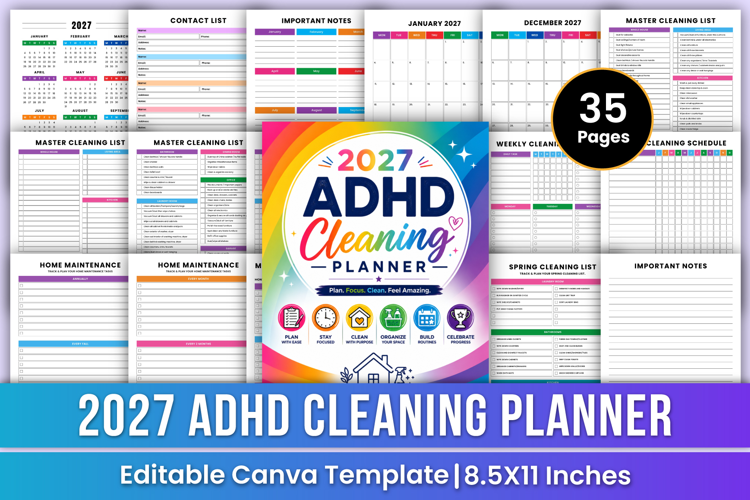
2027 ADHD Cleaning Planner | Routine
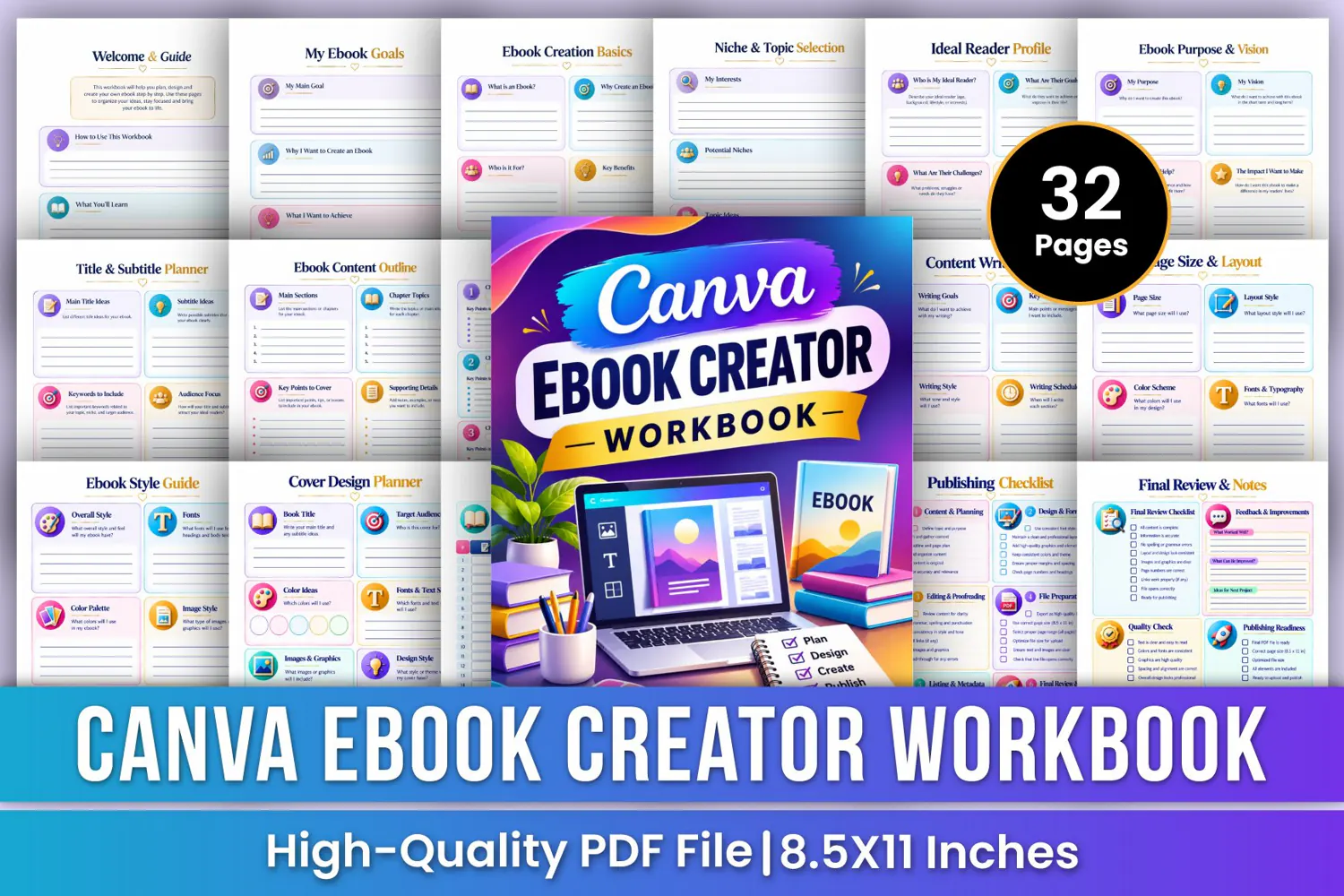
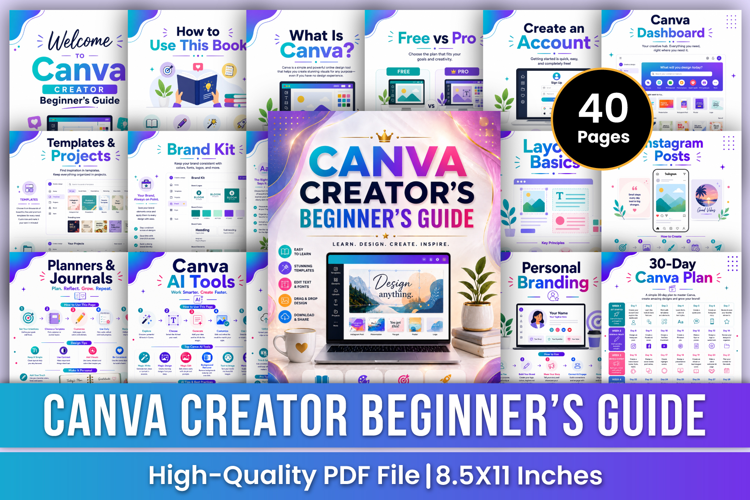
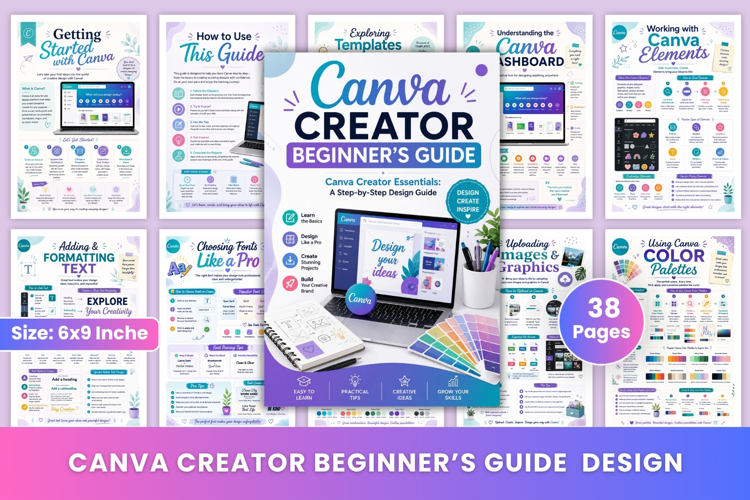
Canva E-book Creator Workbook | E-book Planning, Canva Design, Content Writing, Cover Creation & Publishing
Turn your creative ideas into beautifully planned digital e-books with the Canva E-book Creator Workbook—a colorful, practical planning guide designed to help writers, entrepreneurs, digital product creators, and aspiring e-book authors organize their ideas and develop professional-looking eBook using Canva. From selecting your e-book niche and identifying your ideal readers to planning chapters, writing content, designing e-book covers, choosing colors and fonts, organizing graphics, creating interior layouts, editing, exporting PDF files, and preparing marketing strategies, this workbook provides structured worksheets to guide your e-book creation journey from beginning to publication.
✨ Key Features
🎯 E-book Goals Planner
Define your main e-book creation goal, explore why you want to create an e-book, identify what you want to achieve, and organize your next steps.
📖 E-book Creation Basics
Understand e-book creation fundamentals, identify your potential readers, explore the benefits of creating eBooks, and outline the main steps involved in developing your digital book.
🔍 Niche & Topic Selection
Explore your interests, identify potential niches, brainstorm e-book topics, compare creative ideas, and select a suitable niche and topic for your project.
👥 Ideal Reader Profile
Identify your ideal readers, understand their goals and challenges, explore their interests, and plan how your e-book can provide useful information and value.
🌟 E-book Purpose & Vision
Define your eBooks purpose, establish your vision, identify who it will help, describe the impact you want to make, and outline your long-term success vision.
🏷️ Title & Subtitle Planner
Brainstorm e-book titles and subtitles, organize relevant keywords, identify your audience focus, and select a clear and engaging final title.
📚 E-book Content Outline
Organize your main sections, chapter topics, key points, supporting details, and final chapter structure to create a clear and organized content outline.
📝 Chapter Planner
Plan individual chapters by defining chapter titles, setting chapter goals, listing important points to cover, and recording notes and ideas.
🔎 Research & Ideas
Organize research topics, explore idea sources, record useful resources, summarize key takeaways, and capture new ideas for your e-book content.
✍️ Content Writing Plan
Define your writing goals, organize key messages, choose your writing style and tone, create a writing schedule, and plan your next writing activities.
📏 Canva Page Size & Layout Planner
Plan your e-book page dimensions, choose a suitable layout style, select a color scheme, organize fonts and typography, and map out how your content will appear on each page.
🖼️ Canva E-book Cover Design Planner
Plan your e-book cover by organizing the book title, target audience, color ideas, fonts, text styles, images, graphics, design style, and final design notes.
🔍 Final Review & Notes
Evaluate your finished e-book with a final review checklist, quality check, publishing readiness assessment, feedback and improvement notes, and ideas for your next project.
📝 Additional Notes Pages
Use the additional lined pages to record e-book ideas, research notes, writing inspiration, Canva design concepts, important reminders, content plans, and creative thoughts.
🎁 Perfect For
✔ Canva e-book creators and digital designers
✔ Aspiring e-book authors and writers
✔ Digital product creators
✔ Entrepreneurs and online business owners
✔ Beginners planning their first e-book
✔ E-book niche and topic research
✔ Chapter planning and content writing
✔ Canva e-book cover design
📂 Files Include
✏️ 32 Pages
📄 High-Quality Print-Ready JPG & PDF
📏 Trim Size: 8.5 × 11 Inches
🎨 CMYK Color
❌ No Bleed
🙏 Thank you for visiting my product!