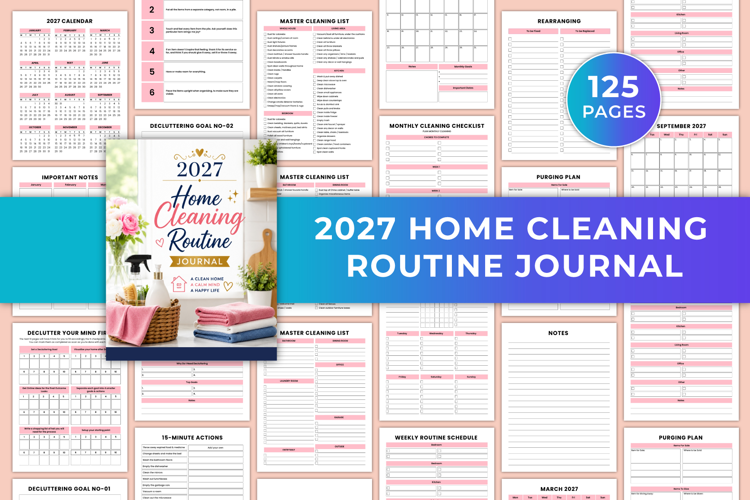
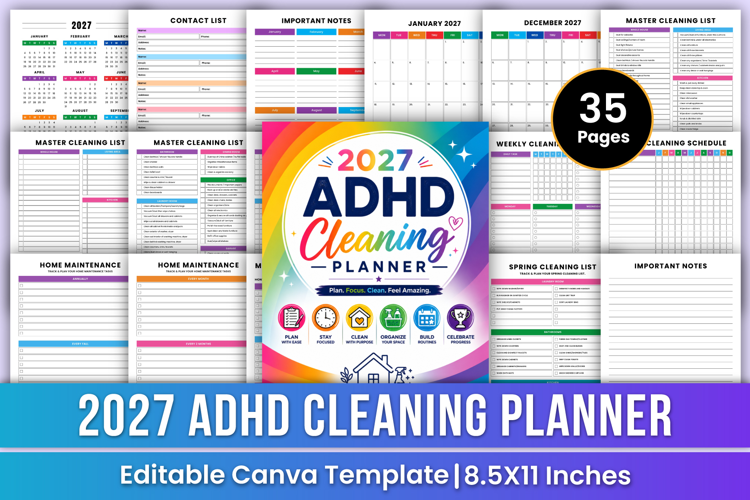
2027 ADHD Cleaning Planner | Routine
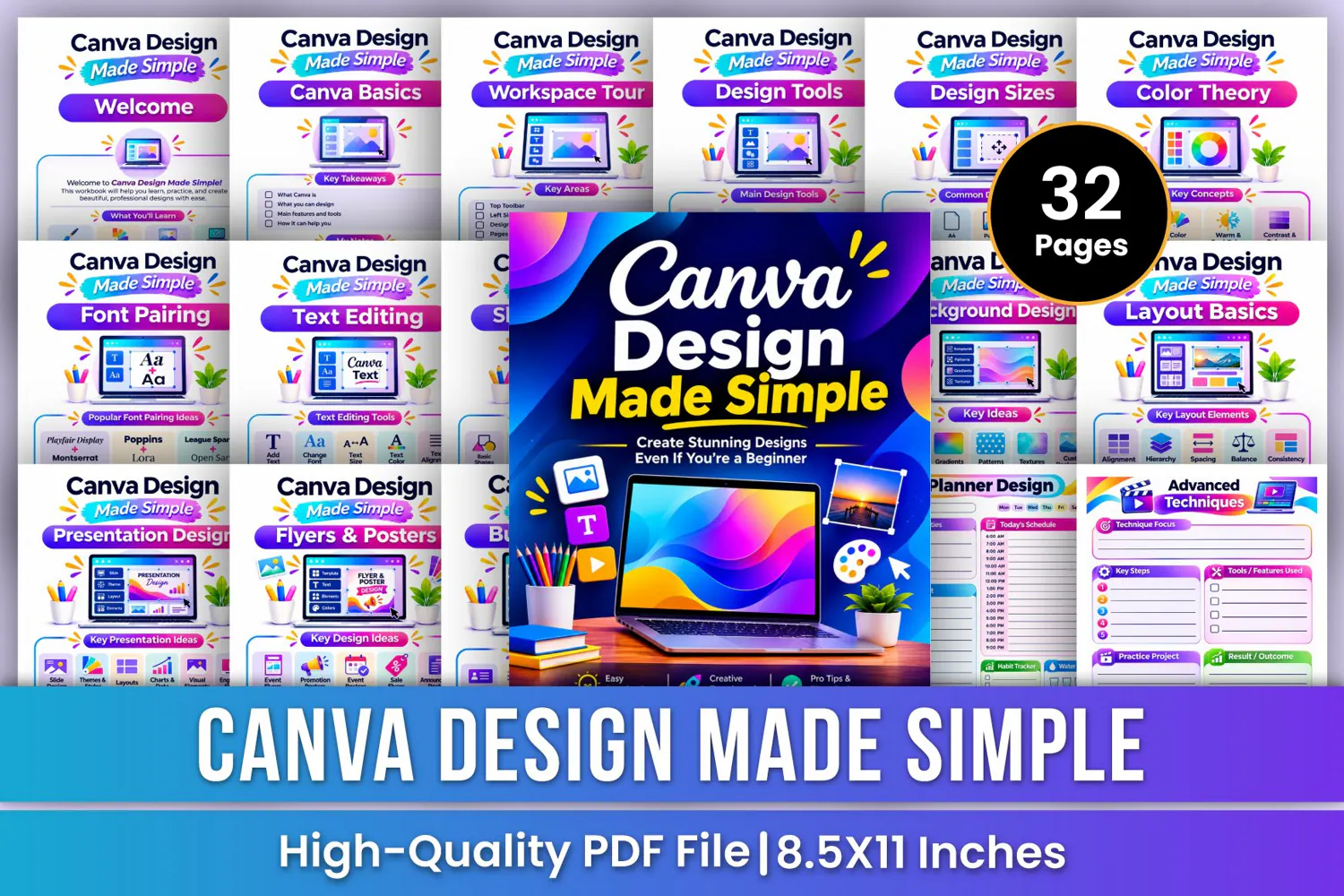
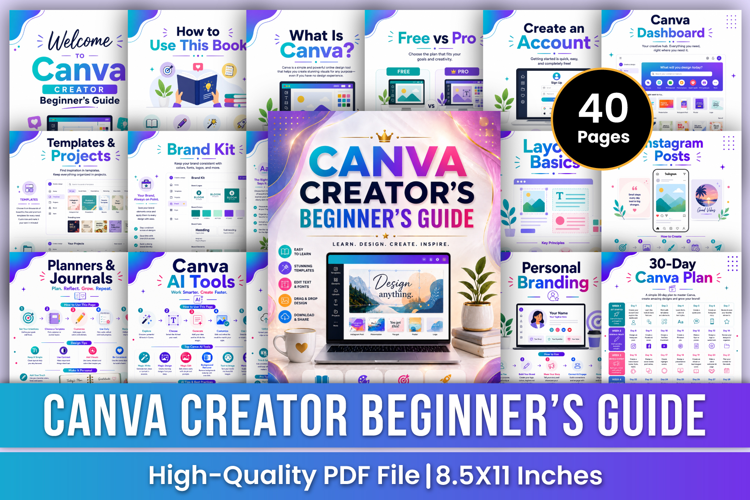
Canva Design Made Simple Workbook | Graphic Design for Beginners, Canva Tutorial, Social Media Design & Creative Projects
Discover the world of graphic design with Canva Design Made Simple—a colorful and beginner-friendly design workbook created to help you understand essential design tools, explore creative techniques, practice different design projects, and develop your graphic design skills step by step.
From learning Canva basics and workspace navigation to exploring color theory, typography, photo editing, social media graphics, presentations, logo design, and digital planner creation, this workbook provides practical learning sections and guided worksheets to support your creative journey.
✨ Key Features
🎨 Canva Basics – Understand Canva, its main features, design possibilities, and essential tools for beginners.
💻 Workspace Tour – Explore the top toolbar, left sidebar, design canvas, pages panel, and useful workspace features.
🛠️ Design Tools – Learn to use text tools, image tools, elements, shapes, and upload features.
📐 Design Sizes – Explore common design dimensions for social media posts, A4 documents, posters, presentations, and print materials.
🌈 Color Theory – Understand the color wheel, color harmony, warm and cool colors, contrast, and visual balance.
🔤 Font Pairing – Explore popular font combinations and create attractive, readable typography styles.
✏️ Text Editing – Practice adding text, changing fonts, adjusting text size, selecting colors, and aligning text.
🔷 Shapes & Icons – Explore basic shapes, frames, illustrations, icons, and creative element combinations.
📸 Photos & Images – Learn to find photos, search images, upload your own pictures, crop, resize, and enhance images.
🌅 Background Design – Create attractive backgrounds using solid colors, gradients, patterns, textures, and custom designs.
📏 Layout Basics – Practice alignment, hierarchy, spacing, balance, and consistency for professional layouts.
📱 Social Media Design – Explore social media posts, stories, covers, banners, templates, and content planning.
📊 Presentation Design – Create engaging slides using themes, styles, layouts, charts, data, and visual elements.
🖼️ Flyers & Posters – Design event flyers, promotional posters, event posters, sale flyers, and announcement posters.
💼 Business Cards – Explore professional card layouts, color combinations, font pairing, branding, and print-ready designs.
✨ Logo Design – Practice creating brand logos, business logos, logos, startup logos, premium logos, and custom logo concepts.
💌 Invitations & Cards – Explore birthday invitations, wedding invitations, graduation cards, thank-you cards, event invitations, and special occasion cards.
📝 Notes Pages – Six additional lined pages for creative ideas, design practice, project planning, and important notes.
🎁 Perfect For
✔ Canva beginners and new learners
✔ Aspiring graphic designers
✔ Students and creative enthusiasts
✔ Social media content creators
✔ business owners
✔ Digital product creators
✔ Branding and logo design beginners
✔ Presentation and poster designers
✔ Beginners learning visual design
📂 Files Include
✏️ 32 Pages
📄 High-Quality Print-Ready JPG & PDF
📏 Trim Size: 8.5 × 11 Inches
🎨 CMYK Color
❌ No Bleed
🙏 Thank you for visiting my product!