3D Christmas Bauble Ornament Layered Papercut
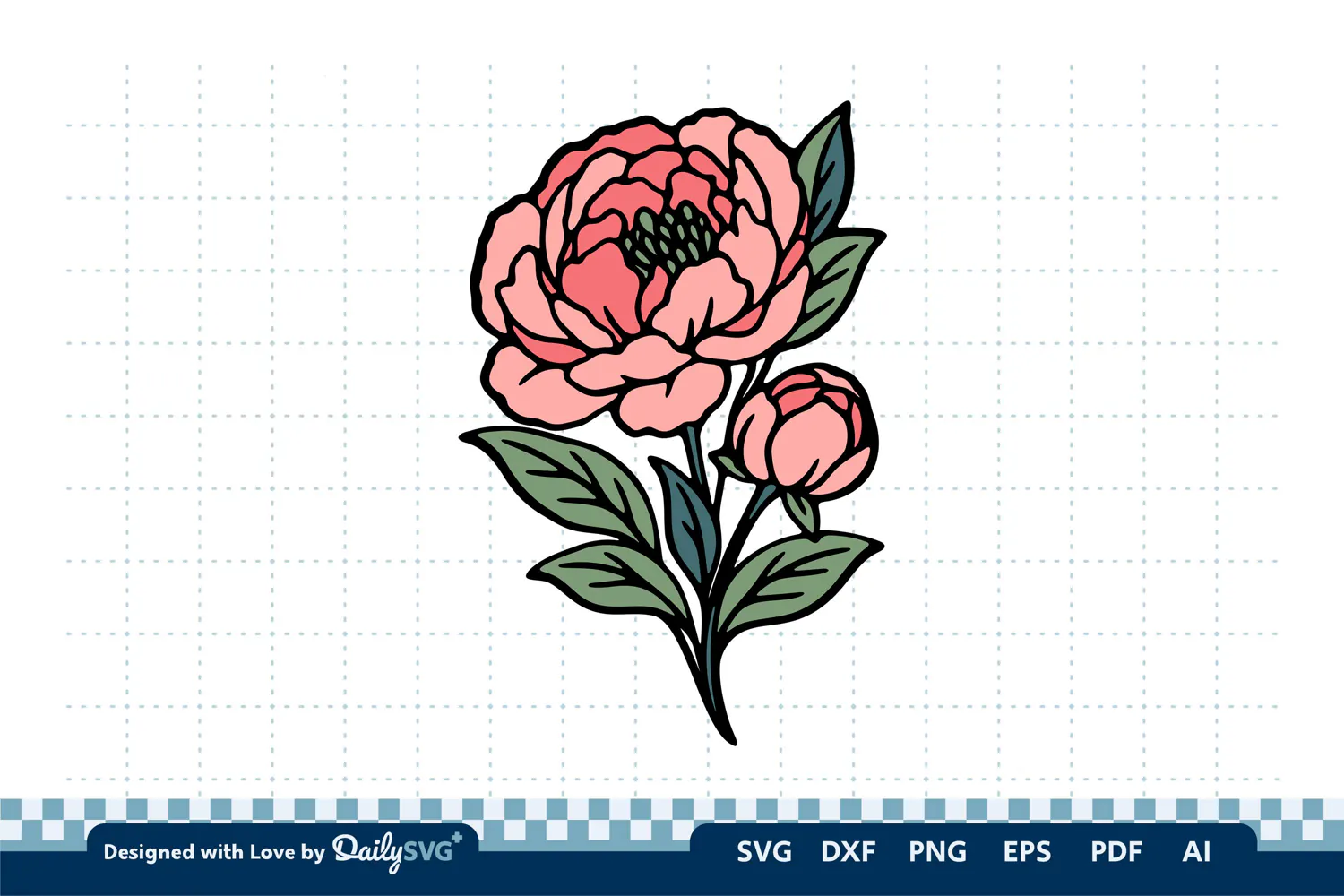
Add timeless floral elegance to your creative projects with this Beauty Peony Flowers SVG Cut File. Featuring a peony-inspired floral design, it is suitable for flower lovers, DIY crafters, and makers creating vinyl decals, apparel, greeting cards, wedding decorations, scrapbook layouts, and botanical home décor. Use the design with compatible cutting machines and vector-design software for a variety of floral craft projects.
The vector artwork is designed for smooth curves, clean vector paths, minimal unnecessary nodes, organized layers where supported, easy resizing, and reliable processing in compatible software.
What's Included
• SVG — scalable vector artwork for compatible cutting and design software.
• DXF — vector format for supported cutting workflows.
• EPS — vector format for compatible illustration and layout applications.
• AI — editable vector format for Adobe Illustrator and compatible software.
• PDF — convenient format for viewing, printing, and supported design workflows.
• PNG — raster image for printing, digital layouts, stickers, and other graphic projects.
Material Compatibility
Suitable for adhesive vinyl, heat transfer vinyl (HTV), cardstock, and paper. Wood, MDF, and acrylic may be suitable for laser-cutting projects if the artwork contains appropriate cut paths and is prepared for the intended machine.
Perfect For
• Floral T-shirts and apparel
• Peony vinyl decals and stickers
• Wedding and bridal shower crafts
• Greeting cards and invitations
• Scrapbooking and paper crafts
• Floral signs and home décor
• Cricut and Silhouette DIY projects
Why You'll Love It
The peony-inspired motif brings a graceful botanical touch to handmade projects, seasonal decorations, and floral-themed gifts. Scalable vector formats make it easy to adapt the design to different project sizes and compatible workflows.
Compatible Software & Machines
Use SVG or DXF with compatible Cricut Design Space, supported Silhouette Studio editions, LightBurn, xTool Creative Space, or other suitable vector workflows. EPS and AI work with compatible vector editors such as Adobe Illustrator and Inkscape where supported. PDF is useful for viewing and printing, while PNG supports raster-based design and printing workflows. Confirm file compatibility and prepare the artwork for your machine before production.