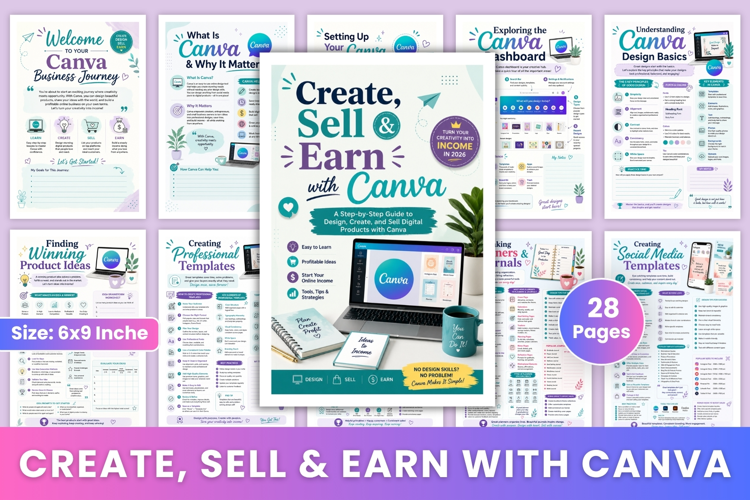
Create, Sell & Earn with Canva
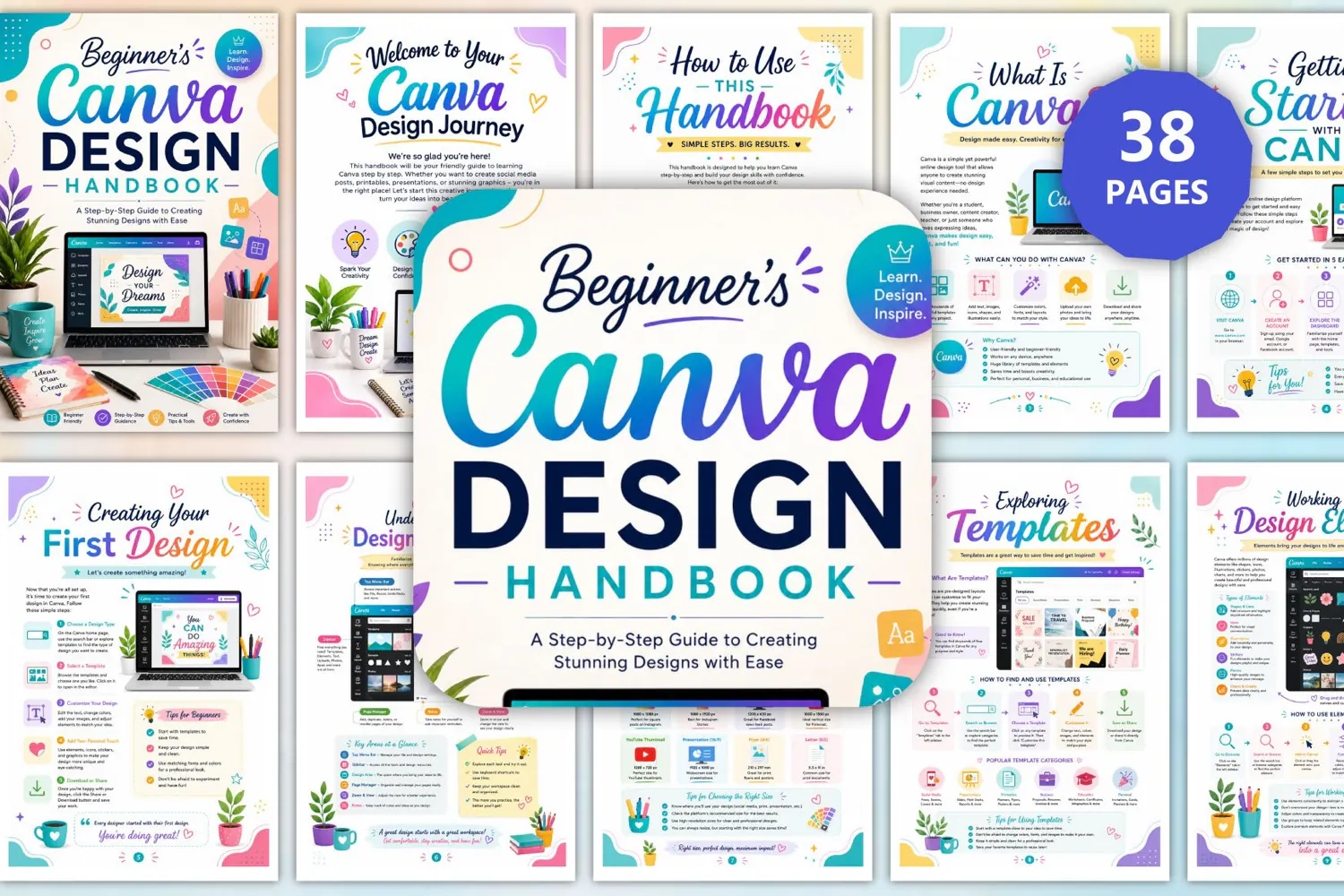
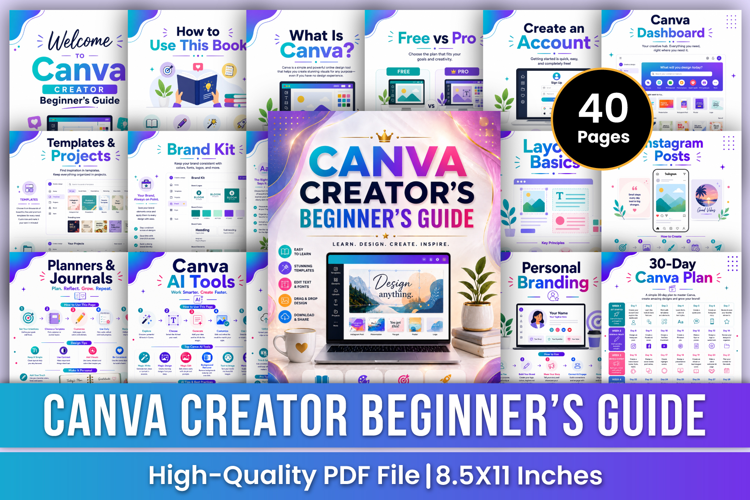
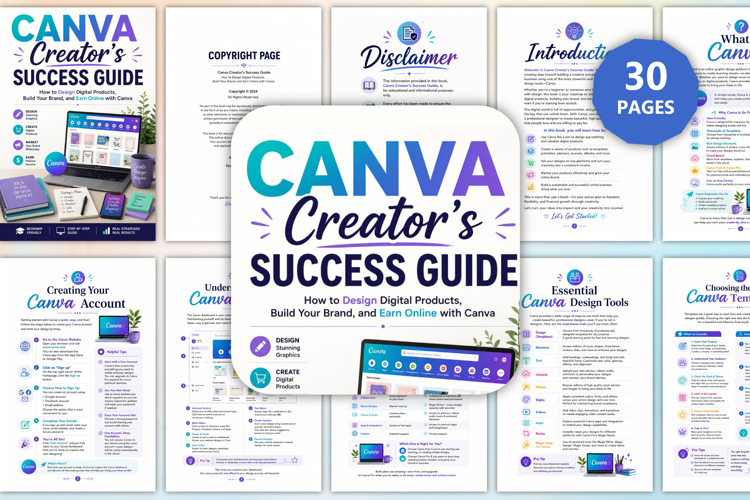
Beginner’s Canva Design Handbook is a colorful, beginner-friendly guide designed to help you learn Canva step by step and build practical design skills with confidence. From creating your first design and understanding the Canva workspace to choosing templates, working with text, fonts, colors, images, shapes, layouts, and white space, this handbook provides simple explanations and practical design guidance. It also includes real-world design examples for social media posts, flyers, presentations, worksheets, planners, and business graphics, along with practice worksheets and project planning tools to help you turn what you learn into creative designs.
✨ Key Features
🎨 Welcome to Your Canva Design Journey
Get introduced to Canva and learn how to approach design as a beginner while exploring creativity, visual design, and practical ways to bring your ideas to life.
📚 How to Use This Handbook
Follow a simple learning process of reading, practicing, completing activities, getting creative, and reviewing your work to steadily improve your design skills.
💻 What Is Canva?
Learn the basics of Canva, what you can create with it, and how its beginner-friendly design tools can be used for social media, presentations, printable, business graphics, and more.
🚀 Getting Started With Canva
Learn the basic steps to visit Canva, create an account, explore the dashboard, choose a design type, and start creating your first project.
🖼️ Creating Your First Design
Follow simple steps for choosing a design type, exploring templates, customizing text and visuals, adding your touch, and downloading or sharing your finished work.
🖥️ Understanding the Design Workspace
Become familiar with the Canva workspace, including the top menu, sidebar, design area, page manager, zoom and view controls, share and download options, and notes.
📐 Choosing the Right Design Size
Understand why design dimensions matter and explore common sizes for Instagram posts, stories, Facebook posts, Pinterest pins, YouTube thumbnails, presentations, flyers, and print documents.
🧩 Exploring Templates
Learn how templates can save time and provide inspiration, how to search for templates, customize them, and use popular template categories for different design needs.
✨ Working With Design Elements
Explore graphics, illustrations, icons, shapes, stickers, photos, frames, lines, and other elements while learning how to search, customize, layer, position, and group them effectively.
✍️ Adding & Formatting Text
Learn how to add text, choose text styles, format fonts, adjust size and color, apply effects, and position text to create clear and attractive designs.
🔤 Understanding Fonts & Typography
Explore different font types, learn why typography matters, choose readable fonts, understand font , and use typography effectively in your designs.
🎯 Choosing Great Font Combinations
Learn how to pair fonts for headings, subheadings, body text, and accents while maintaining readability, contrast, consistency, and visual harmony.
🎨 Working With Colors
Learn how colors influence attention, emotions, and visual communication while exploring color selection, combinations, contrast, consistency, and basic color psychology.
🌈 Creating a Simple Color Palette
Build simple and balanced color palettes using primary, secondary, accent, neutral, and background colors while keeping your designs consistent and professional.
📸 Using Photos & Graphics
Learn how to find suitable visuals, choose quality images, crop and frame photos, match colors, adjust brightness and contrast, and use visuals effectively.
⬆️ Uploading Your Own Images
Learn how to upload photos and graphics, organize your visual assets, choose suitable file types, and use your own images to create unique and authentic designs.
📏 Arranging & Aligning Elements
Learn how to position elements, align objects, spacing, and create cleaner layouts with balanced and professional-looking designs.
🗂️ Understanding Layers & Positioning
Learn how layers work, how to move elements forward or backward, group objects, lock elements, and control the order and positioning of your design components.
🔷 Using Shapes & Decorative Elements
Discover how shapes, lines, graphics, borders, and decorative elements can add structure, highlight important information, and make designs more engaging.
⚖️ Creating Visual Balance
Learn about symmetrical, asymmetrical, and radial balance and how to visual weight, spacing, color, and elements effectively.
⬜ Understanding White Space
Discover why empty space matters and learn how to use breathing room, spacing, margins, and clean layouts to improve readability and make designs feel more professional.
📐 Building a Strong Design Layout
Learn how to organize content with clear hierarchy, balanced spacing, alignment, consistency, and proper visual flow while avoiding common layout problems.
📱 Creating an Eye-Catching Social Media Post
Learn a simple process for creating engaging social media graphics using clear goals, strong attention-grabbing elements, readable text, effective visuals, consistent branding, and calls to action.
📄 Designing a Simple Flyer
Create clear and effective flyers by defining the purpose, keeping the message simple, using strong visuals, choosing suitable colors, and adding a clear call to action.
🖥️ Creating a Professional Presentation
Learn how to organize presentation slides with clear messaging, readable text, strong visuals, consistent design, and effective content structure.
📝 Designing a Printable Worksheet
Learn how to create organized worksheets with clear sections, useful prompts, readable typography, appropriate visuals, and enough space for users to complete activities.
📋 Creating a Simple Planner Page
Build a practical planner page with priorities, to-do lists, schedules, notes, self-care activities, gratitude, and daily affirmations.
💼 Creating a Simple Business Graphic
Learn practical design principles for business graphics by focusing on clear goals, understanding customers, delivering value, taking action, and maintaining consistent visual communication.
⚠️ Beginner Design Mistakes to Avoid
Identify common mistakes such as using too much text, poor alignment, too many fonts, poor color choices, lack of visual hierarchy, overcrowding, and inconsistent design choices.
🔲 Improving Designs With Contrast
Learn how contrast improves visual hierarchy, readability, focus, color separation, typography, and overall communication.
✨ Making Your Designs Look Professional
Apply key professional design principles including simplicity, consistent colors, readable fonts, alignment, white space, clarity, balance, hierarchy, and quality.
🎨 Developing Your Own Design Style
Explore inspiration, experiment with different options, discover your preferences, practice consistently, stay authentic, build visual identity, and develop a design style that feels uniquely yours.
💡 Design Inspiration & Idea Collection
Learn where to find inspiration, collect ideas, observe patterns, build visual mood boards, organize references, and turn inspiration into original creative work.
✏️ My Design Practice Worksheet
Practice design principles such as alignment, contrast, hierarchy, balance, white space, color, typography, and consistency while sketching ideas, completing a design challenge, reviewing your work, and identifying areas for improvement.
🎨 My Color & Font Planning Sheet
Plan your project’s color palette, color combinations, color usage, font choices, font hierarchy, inspiration references, and design notes before starting a project.
📋 My Design Project Planner
Organize a complete design project with project goals, target audience, project details, tasks, resources, color palette, typography, timeline, budget, moldboard, notes, and final checklist.
🔍 Design Review & Improvement Checklist
Review your designs for purpose and message, layout, color, typography, imagery, consistency, functionality, and overall impression while identifying what works and what can be improved.
🏡 Perfect for Beginner Canva Designers
Ideal for beginners, students, creators, owners, entrepreneurs, teachers, content creators, and anyone who wants to learn Canva, improve their design skills, create professional-looking graphics, and build confidence through practical design practice.
Files include:
📄 High-quality, upload-ready PDF files
Suitable for professional printing.
🖼️ JPG files
Sharp, clear images for versatile use.
📄 PDF files
Easily downloadable and printable.
🎨 38 Pages
A variety of beautiful design page.
📏 Page Size: 6×9 inches
Standard for easy printing.
🚫 Bleed-free
Designed with safe printing margins.
🔍 300 DPI
High-resolution for high-quality printing.
Files included: JPG, PDF, PNG