
Christmas countdown sign| vinyl cutting | christmas svg
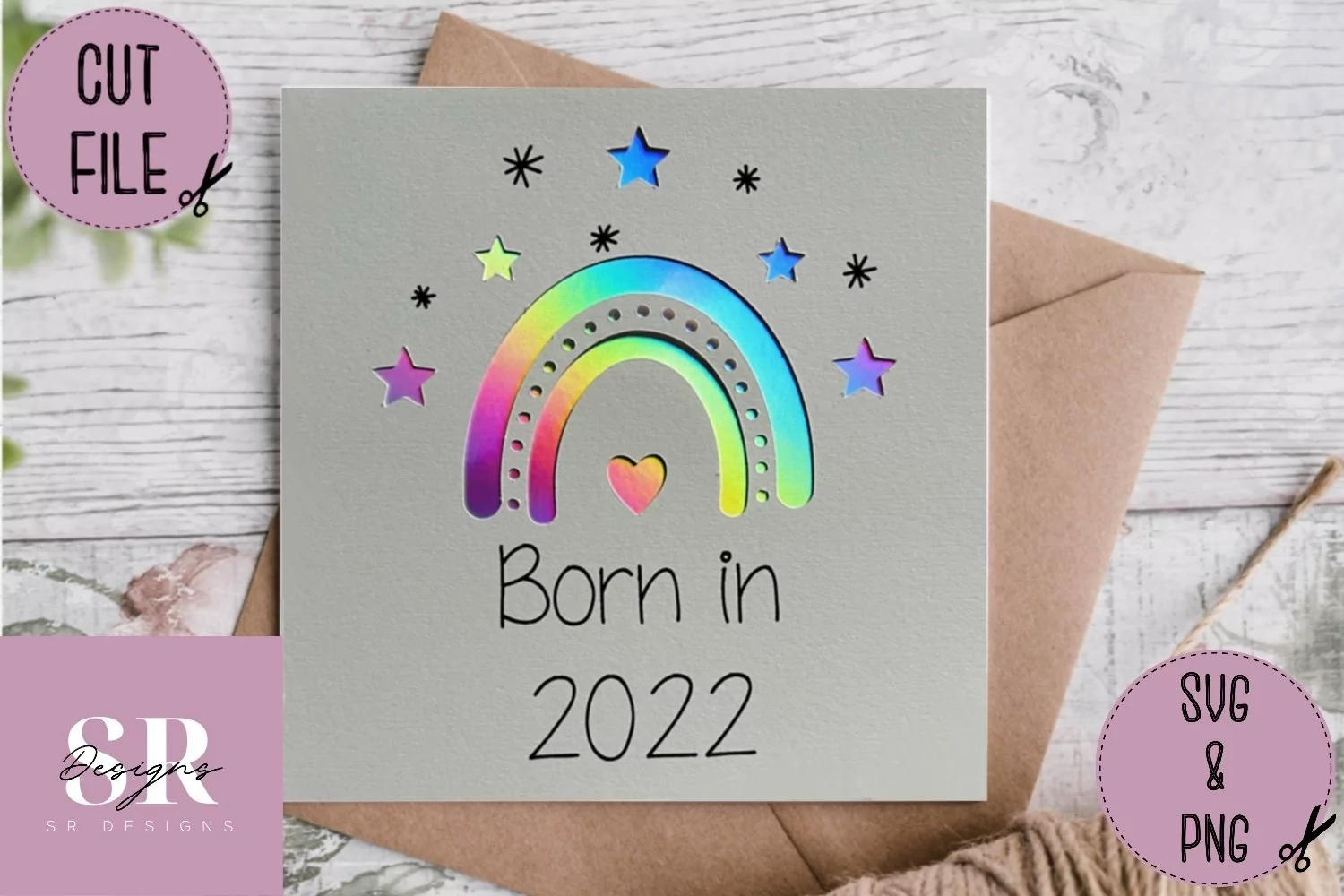
This card design front is a digital download, therefore no physical product will be sent to you.
You will receive a zip folder containing an SVG file of the card front and card template, no envelope template is included.
I have cut this design on a cricut maker cutting machine.
An SVG is a ‘cut’ file and therefore changes all the layers to ‘cut’, so a few basic changes will need to be made to change one of the layers to ‘draw’ with pen.
Simply upload your SVG file into your cutting software, click the layer which needs to be drawn (in the layers panel) and change from ‘basic cut’ to ‘draw’ with pen from the edit section.
Then attach the card front to a square card template.
Should you have any questions I’m always happy to help.
Happy crafting!