
Dog Angel svg, Car Decal, Dog On Board svg, Wings, Friend
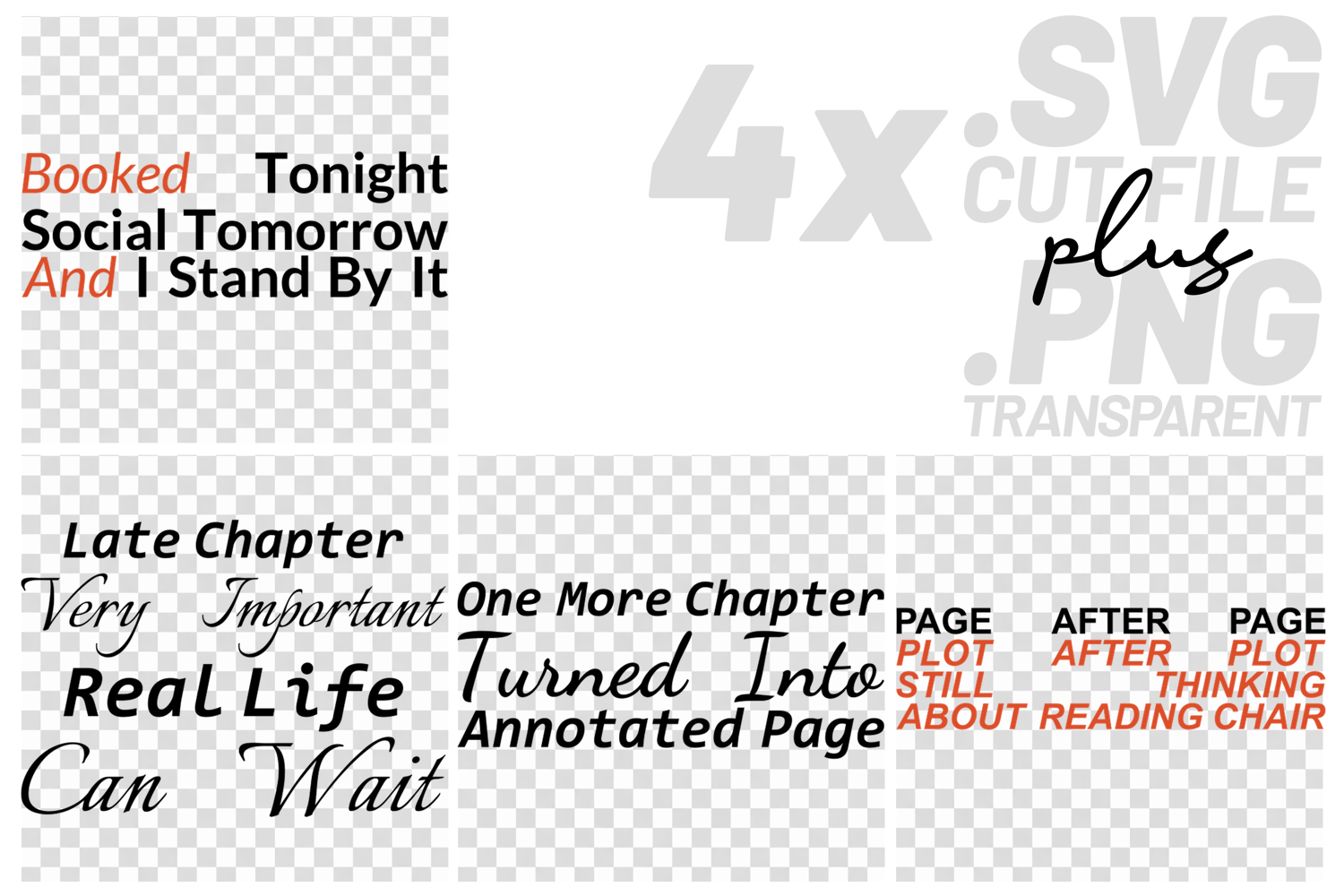
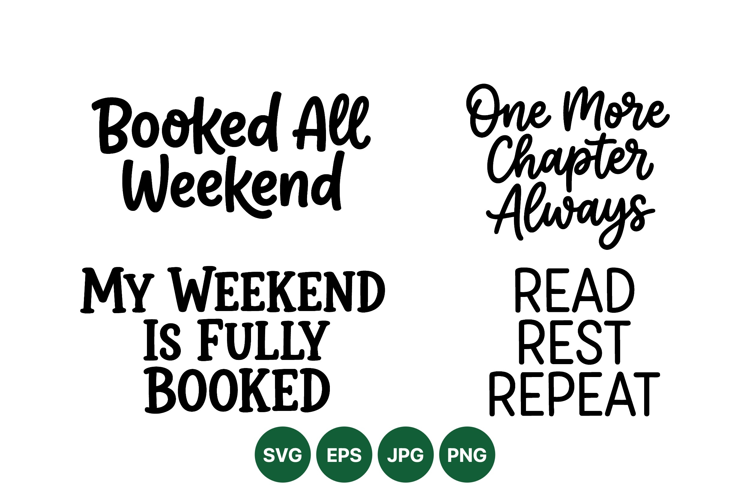
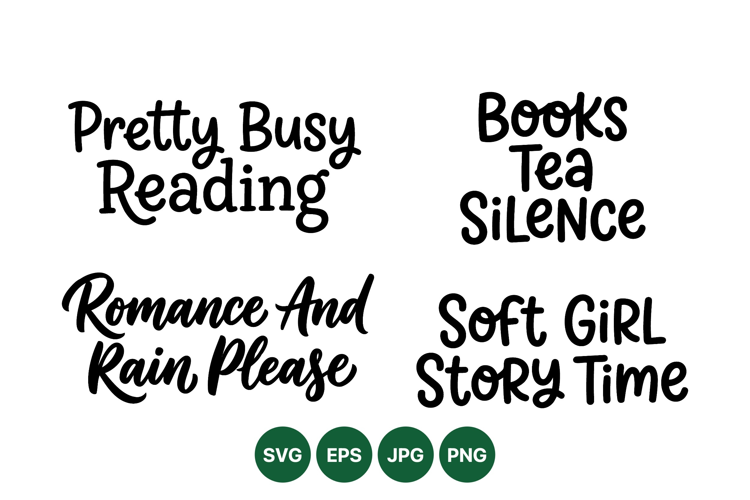
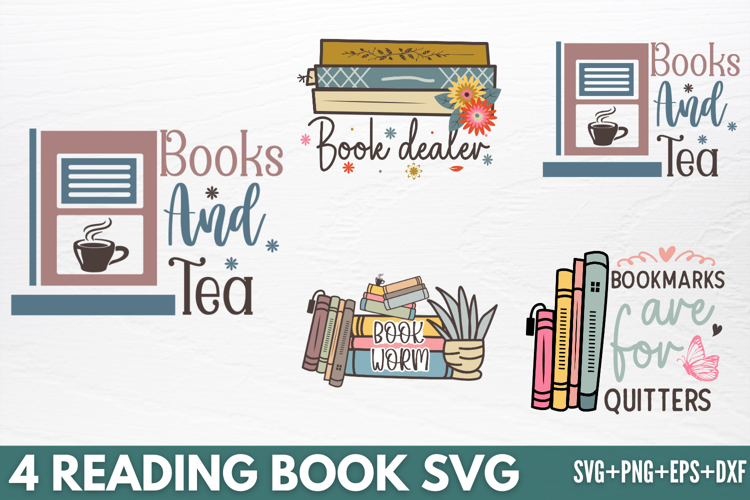
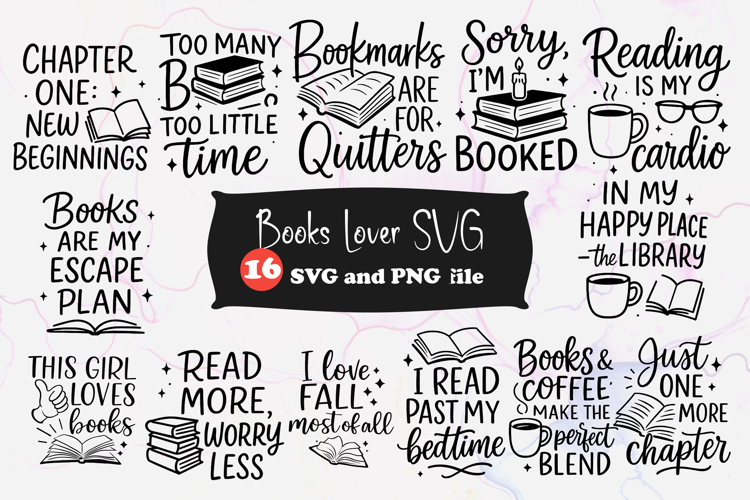
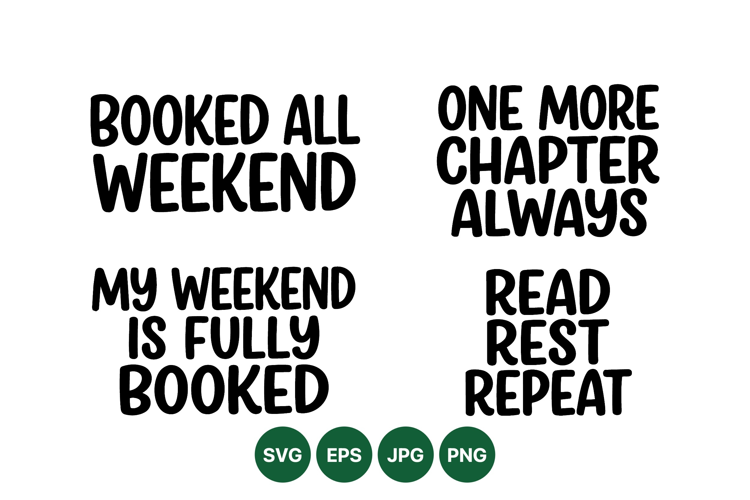
This bundle is for all the bookworms out there! If you love to read, this collection of quotes is perfect for you. Each design is ready for your next crafting project. Design 1 says, "Booked Tonight, Social Tomorrow, And I Stand By It." This design is perfect for the book lover who prioritizes reading over everything else. Design 2 reads, "Late Chapter, Very Important, Real Life Can Wait." This quote is for those who are completely absorbed in their book and want to be left alone. Design 3 says, "One More Chapter Turned Into Annotated Page." This design is perfect for those who love to read and make notes in the margins. Design 4 reads, "Page After Page, Plot After Plot, Still Thinking About Reading Chair." This design is for those who are always dreaming about their next reading session. You'll receive four SVG cut files, four EPS files, and four transparent PNG files. SVG and EPS files are vector files, so you can resize them without losing any quality. EPS files are included as an alternative vector format for those who prefer them. PNG files are perfect for sublimation, print-and-cut, and other projects with transparent backgrounds. These files are compatible with Cricut Design Space, Silhouette Cameo, Silhouette Studio Designer Edition, Brother ScanNCut, and other cutting machines and software that support SVG, EPS, or PNG files. Use these designs to create shirts, mugs, tumblers, signs, decals, stickers, tote bags, cards, and more! This is a digital download, and no physical product will be shipped. This is a digital download. No physical product will be shipped. You will receive 4 clean vector SVG cut files, 4 clean vector EPS files, and 4 transparent PNG files. SVG and EPS files are scalable vector formats that work well for cutting, editing, and resizing without losing quality. PNG files are perfect for sublimation, print-and-cut projects, and other transparent-background workflows. These files are suitable for Cricut Design Space, Silhouette Cameo and Silhouette Studio Designer Edition, Brother ScanNCut, Summa, and other software or machines that support SVG, EPS, or PNG formats.
Files included: EPS, PNG, SVG